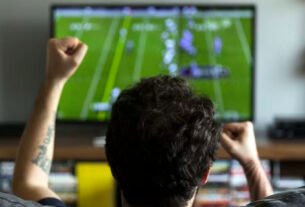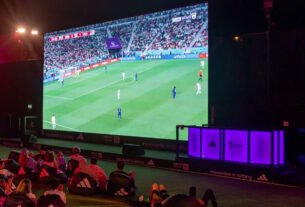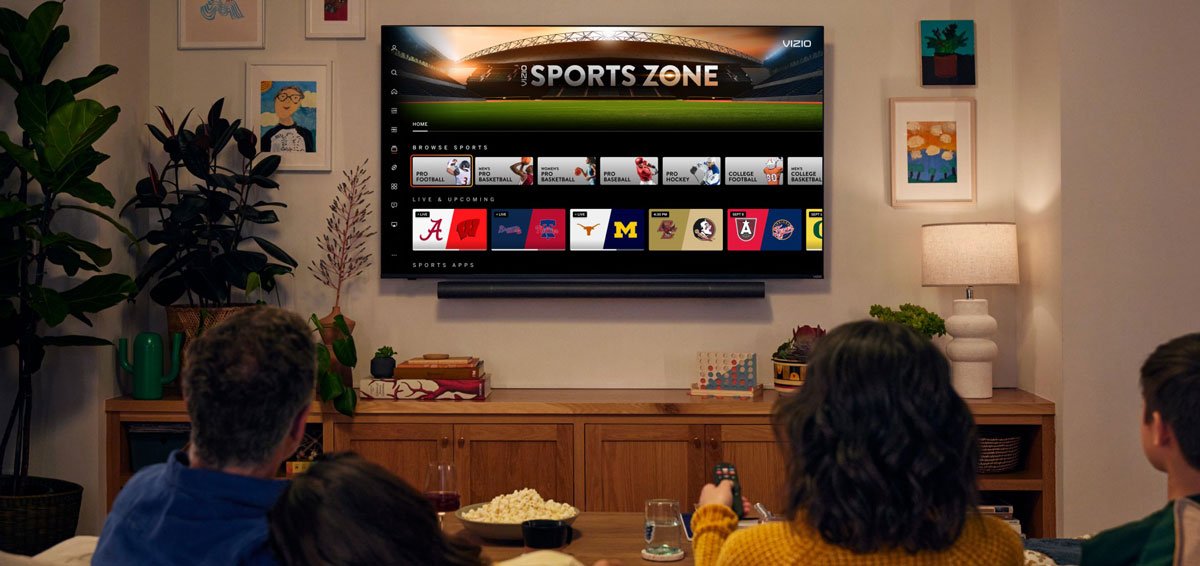
Watching live football on a Smart TV has never been easier. Whether you’re using a Samsung, LG, or Android TV, you can access top competitions like the UEFA Champions League, Premier League, or La Liga directly from your living room.
In this guide, you’ll learn how to watch live football on your Smart TV in 2026 including free options, apps to install, and the best setup methods.
Using Official Streaming Apps on Smart TVs
The easiest way to watch live football is through official streaming apps available on your TV.
Most Smart TVs support popular apps such as:
- DAZN
- ESPN
- Sky Sports
- Amazon Prime Video
Simply go to your TV’s app store, download the app, sign in, and start streaming.
Some of these platforms offer free trials or occasional free matches, which is a great way to watch football without paying.
How to Watch on Samsung Smart TV
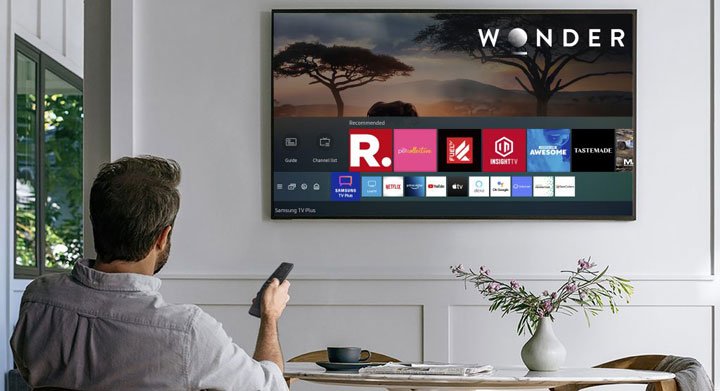
Samsung TVs use the Tizen operating system, which supports most major sports apps.
To get started:
- Open the Samsung Smart Hub
- Search for apps like DAZN or YouTube
- Install and log in
- Start streaming live matches
Samsung TVs are known for smooth performance, making them ideal for HD and 4K football streams.
How to Watch on LG Smart TV
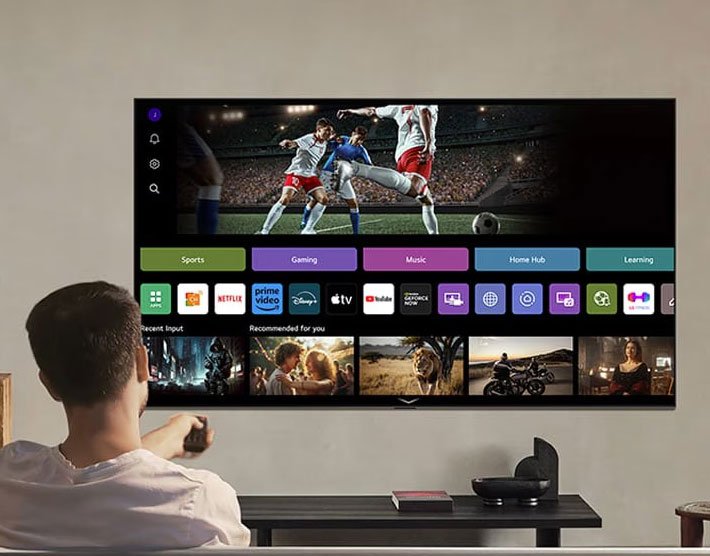
LG TVs run on webOS, which also supports a wide range of sports streaming apps.
Steps:
- Open the LG Content Store
- Download apps like Amazon Prime Video or ESPN
- Log into your account
- Watch live matches instantly
LG TVs often provide excellent picture quality, enhancing the football viewing experience.
How to Watch on Android TV
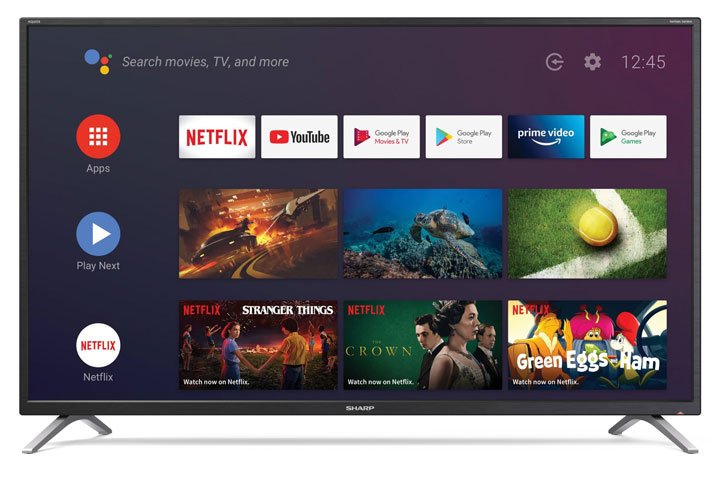
Android TV offers the most flexibility because it supports the Google Play Store.
You can install apps like:
Android TV also allows sideloading apps, giving you access to more content options.
Watch Football for Free on Smart TV
There are several ways to watch football for free:
Free-to-Air Apps
Apps from broadcasters sometimes stream matches at no cost, depending on your region.
Free Matches on Streaming Platforms
Services like Amazon Prime Video occasionally show select matches for free.
YouTube and Highlights
YouTube is perfect for watching highlights, goals, and sometimes live matches from smaller competitions.
Use Screen Mirroring or Casting
If an app isn’t available on your TV, you can cast from your phone.
Use:
- Google Chromecast
- Apple TV
This allows you to stream matches directly from your mobile device to your TV.
Use a VPN for More Access
A VPN can help you access football streams available in other countries.
Popular options include:
- NordVPN
- Proton VPN
You can install VPN apps directly on Android TV or configure them via your router.
Optimize Your Viewing Experience
To get the best experience:
- Use a stable internet connection (at least 10 Mbps)
- Prefer Ethernet over Wi-Fi for stability
- Enable 4K or HDR if supported
- Close background apps
FAQ – Watching Live Football on Smart TV in 2026
Can I watch live football directly on a Smart TV?
Yes, you can install apps like DAZN or ESPN and stream matches directly without extra devices.
Which Smart TV is best for watching football?
Samsung, LG, and Android TVs all work well. Android TV offers the most flexibility, while Samsung and LG provide smoother native performance.
Are there free apps to watch football?
Yes, some platforms and broadcasters offer free matches or trials. YouTube is also useful for highlights and occasional live streams.
Can I watch Champions League on Smart TV?
Yes, competitions like the UEFA Champions League are available through apps such as Paramount+ or regional broadcasters.
Do I need a subscription?
In most cases, yes. However, you can still watch some matches for free through trials or free-to-air broadcasts.
Can I cast matches from my phone?
Yes, using devices like Google Chromecast or Apple TV.
Is using a VPN safe for streaming?
Yes, VPNs like NordVPN are safe, but always follow the streaming platform’s terms.
What internet speed do I need?
At least 10 Mbps for HD streaming and 25 Mbps for 4K quality.
Why is my stream buffering?
Buffering is usually caused by slow internet or network congestion. Switching to Ethernet or lowering video quality can help.

Miguel Manjate is a football journalist and editor covering the Premier League, European competitions, and transfer news, with a strong focus on match analysis and data-driven reporting.