Last Updated on April 28, 2026 by Miguel Manjate
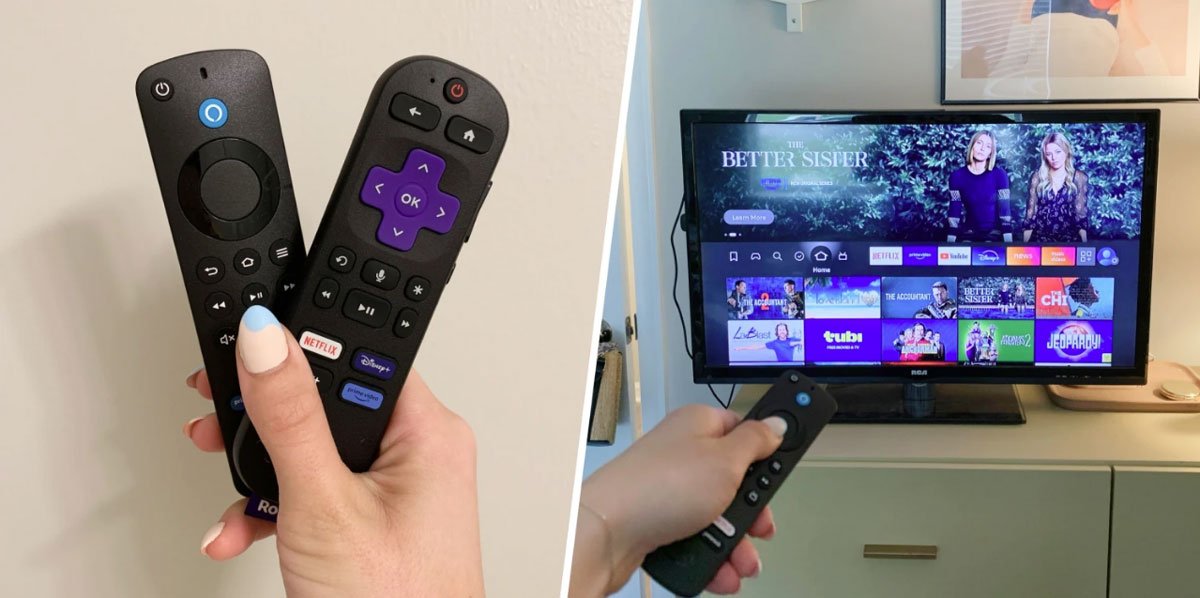
Streaming live sports has never been more accessible, especially with devices like the Amazon Fire TV Stick and Roku. Whether you’re a football fan or follow multiple sports, these devices allow you to install apps that stream matches, highlights, and analysis often for free and legally.
In this guide, you’ll discover the best free and legal sports apps available in 2026 and how to use them on your device.
Why Use Fire Stick or Roku for Sports?
Both Amazon Fire TV Stick and Roku are affordable and easy-to-use devices that transform any TV into a smart streaming hub.
They offer:
- Access to official sports apps
- High-quality HD and 4K streaming
- Simple navigation and remote control
- Compatibility with major leagues like the UEFA Champions League and Premier League
Best Free and Legal Sports Apps
1. YouTube
One of the most accessible platforms for free sports content.
You can watch:
- Highlights and goals
- Match recaps
- Live streams from smaller leagues
Many official channels post content regularly, making it a must-have app.
2. ESPN
The ESPN app offers a mix of free and paid content.
Free features include:
- News and analysis
- Highlights
- Occasional live events
3. Pluto TV
A completely free streaming service with sports channels.
It includes:
- Live sports talk shows
- Replays and documentaries
- Dedicated sports channels
4. Red Bull TV
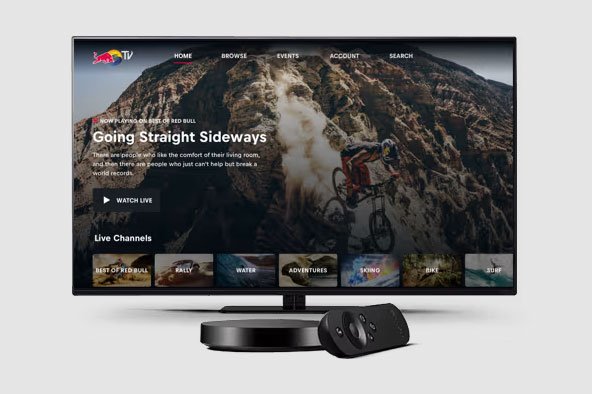
Ideal for fans of alternative and extreme sports.
You’ll find:
- Live events
- Documentaries
- Original sports content
5. CBS Sports
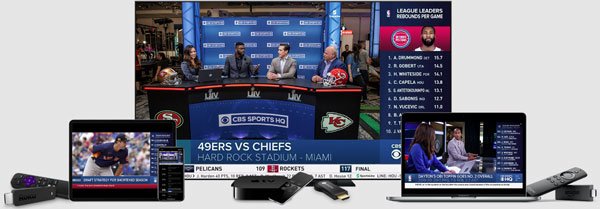
Offers free highlights and some live coverage.
You can watch:
- Match previews
- Analysis
- Selected live events
6. BBC iPlayer (Region-Based)
Provides free access to selected sports events in supported regions.
This may include:
- Football matches
- Highlights
- Major tournaments
7. ITVX (Region-Based)
Another strong option for free sports streaming in certain countries.
How to Install Apps on Fire Stick
Using the Amazon Fire TV Stick:
- Go to the home screen
- Select “Find” → “Search”
- Type the app name (e.g., YouTube)
- Click “Download”
- Open and start watching
How to Install Apps on Roku
Using Roku:
- Go to the Roku Home screen
- Select “Streaming Channels”
- Search for the app
- Click “Add Channel”
- Launch and enjoy
Tips to Watch Sports for Free
- Use multiple apps to increase coverage
- Take advantage of free trials on premium platforms
- Watch highlights if live matches aren’t available
- Check regional availability for free broadcasts
FAQ – Fire Stick and Roku Sports Apps Guide
Are free sports apps legal?
Yes, all apps mentioned—like Pluto TV and YouTube—are legal and safe to use.
Can I watch live football for free?
Yes, but availability is limited. You can watch selected matches, highlights, or smaller competitions for free.
Which is better for sports: Fire Stick or Roku?
Both are excellent. Amazon Fire TV Stick offers more flexibility, while Roku is simpler and more user-friendly.
Do I need a subscription for sports apps?
Not always. Many apps offer free content, but full access to major leagues usually requires a subscription.
Can I watch the Champions League for free?
You may catch highlights or selected matches through apps like BBC iPlayer, depending on your region.
Are these apps available worldwide?
Some apps are region-locked. Availability depends on your country.
Can I use a VPN with Fire Stick or Roku?
Yes, VPNs like NordVPN can help access region-restricted content, but always follow platform policies.
What internet speed do I need?
At least 10 Mbps for HD streaming and 25 Mbps for 4K content.
Why can’t I find some apps on my device?
Some apps are not available in certain regions or may require account settings changes.

Miguel Manjate is a football journalist and editor covering the Premier League, European competitions, and transfer news, with a strong focus on match analysis and data-driven reporting.